
What this script sets up
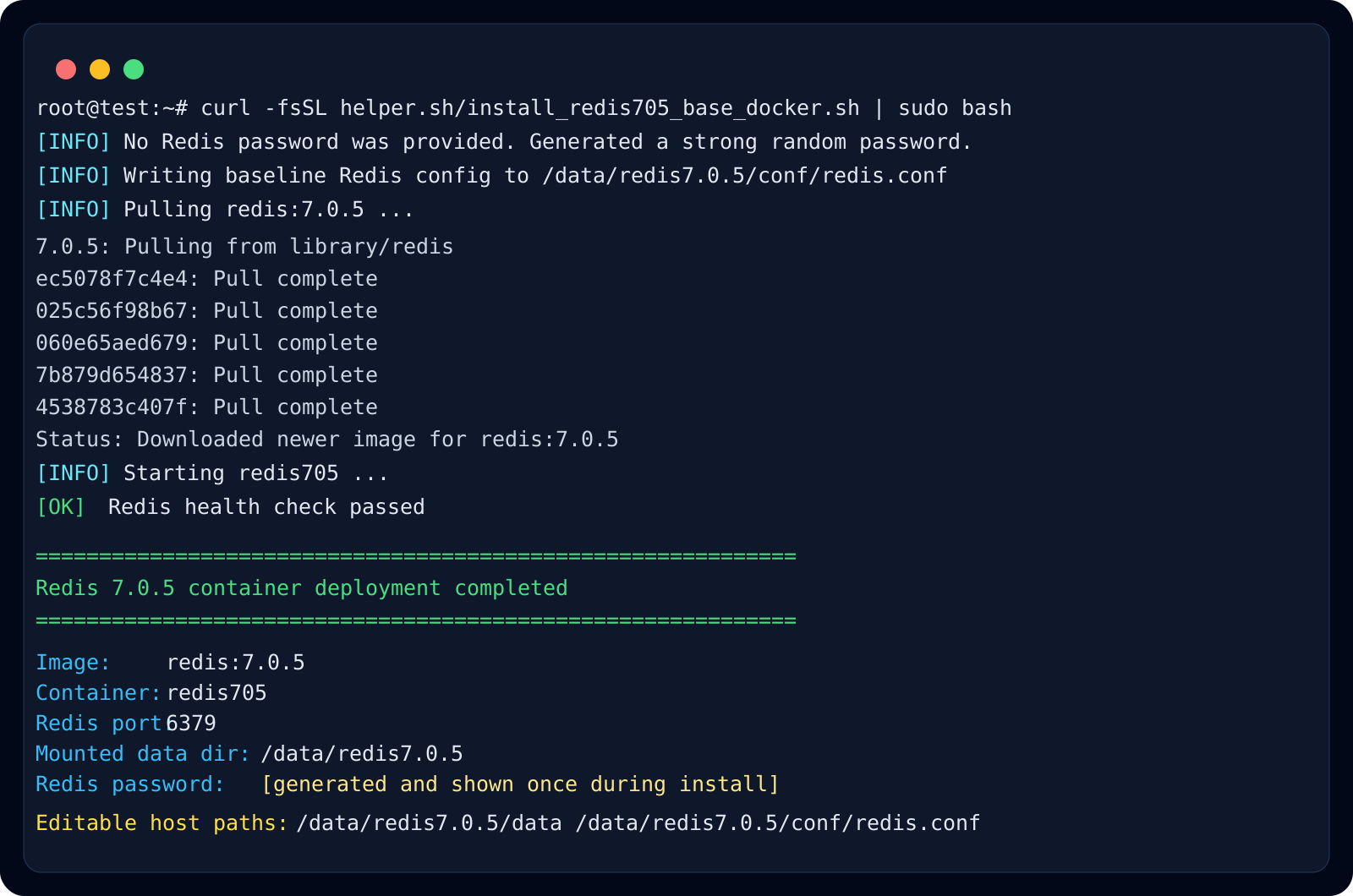
install_redis705_base_docker.sh is for hosts that already have Docker and need a simple Redis 7.0.5 bootstrap path with host-mounted persistence.
It keeps Redis data and config under /data/redis7.0.5, so the important state remains on the host while the container itself stays easy to recreate.
What it writes to /data/redis7.0.5
The script creates data and conf directories, then writes a baseline redis.conf with appendonly enabled and requirepass configured. If you do not provide a password, it generates one and prints it after startup.
- /data/redis7.0.5/data
- /data/redis7.0.5/conf/redis.conf
Where this pattern fits best
This pattern is useful for caches, job queues, session stores, and small infrastructure services that need a reviewed Redis bootstrap path without building a larger stack file first.
Because data lives on the host while Redis itself stays containerized, you can rebuild the container later without throwing away the persistence directory immediately.
Recommended checks after deployment
After the script finishes, confirm that the container is running, port 6379 is mapped as expected, and redis-cli ping succeeds with the generated or provided password. Record the password before handing the service to an application team.
- docker ps
- docker logs -f redis705
- docker exec -it redis705 redis-cli -a <password> ping
- docker exec -it redis705 redis-cli -a <password> info persistence