
What this script sets up
install_nginx_base_docker.sh is for hosts that already have Docker and need a clean, repeatable Nginx 1.22.1 entrypoint without building a Compose file first.
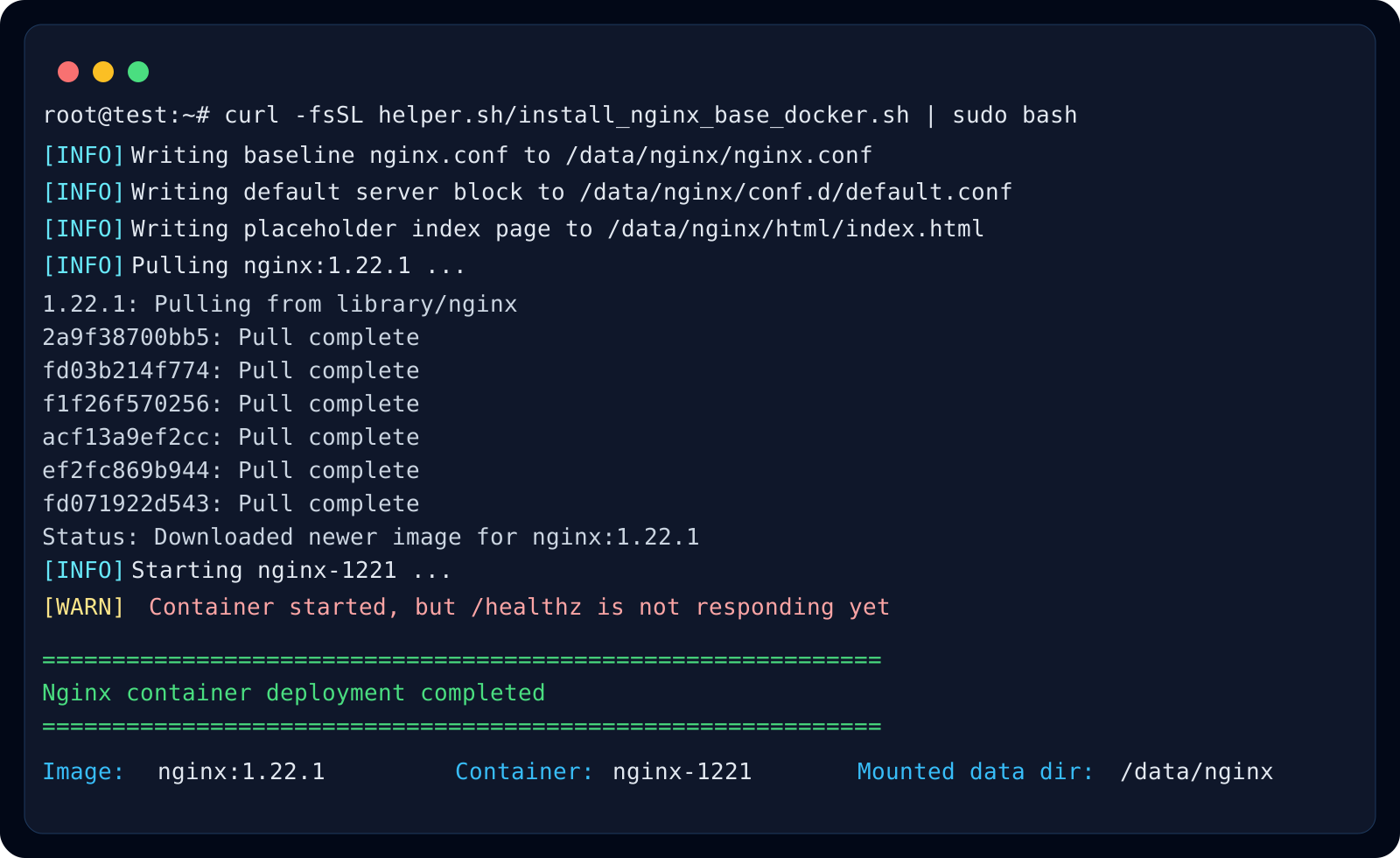
It prepares /data/nginx as the single host-side working directory, so config, static content, and logs all stay visible and editable outside the container.
What it writes to /data/nginx
The script creates html, conf.d, and logs directories, plus a baseline nginx.conf and a default virtual host. It also writes a placeholder index page so the service is visibly alive right after startup.
- /data/nginx/nginx.conf
- /data/nginx/conf.d/default.conf
- /data/nginx/html/index.html
- /data/nginx/logs/
Where this pattern fits best
This pattern is a strong fit for helper.sh-style hosts that need a small, reviewable web entrypoint: static pages, reverse-proxy front doors, download endpoints, or quick maintenance pages.
Because the container is disposable and the important files live on the host, you can rebuild or upgrade the container later without losing your site content or hand-edited config.
A successful installation run
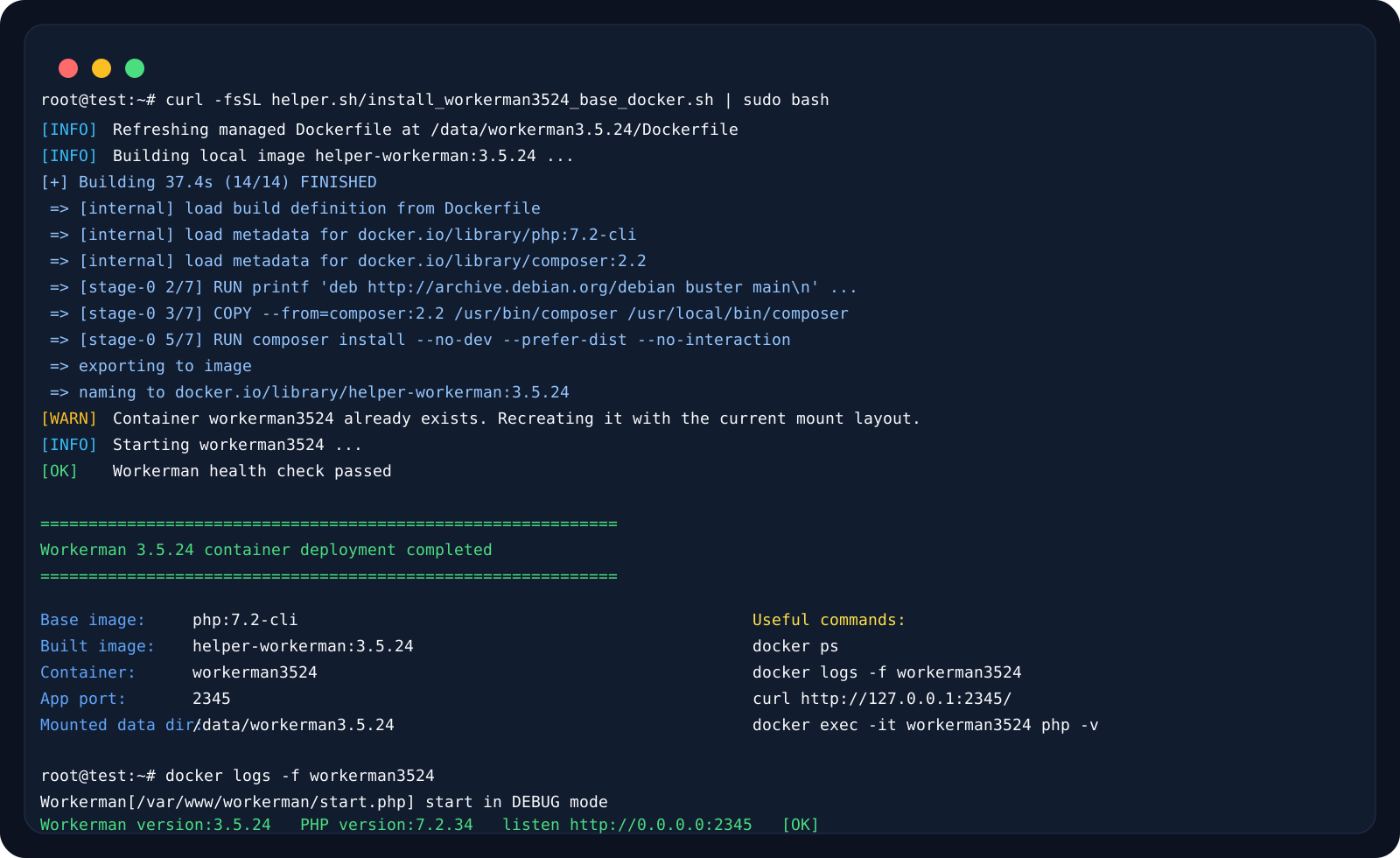
The successful run shows the local image build completing, the existing container being recreated safely, and the Workerman health check passing.
Inside the container, Workerman runs in the foreground, while Docker is responsible for process supervision and restart behavior.
Recommended checks after deployment
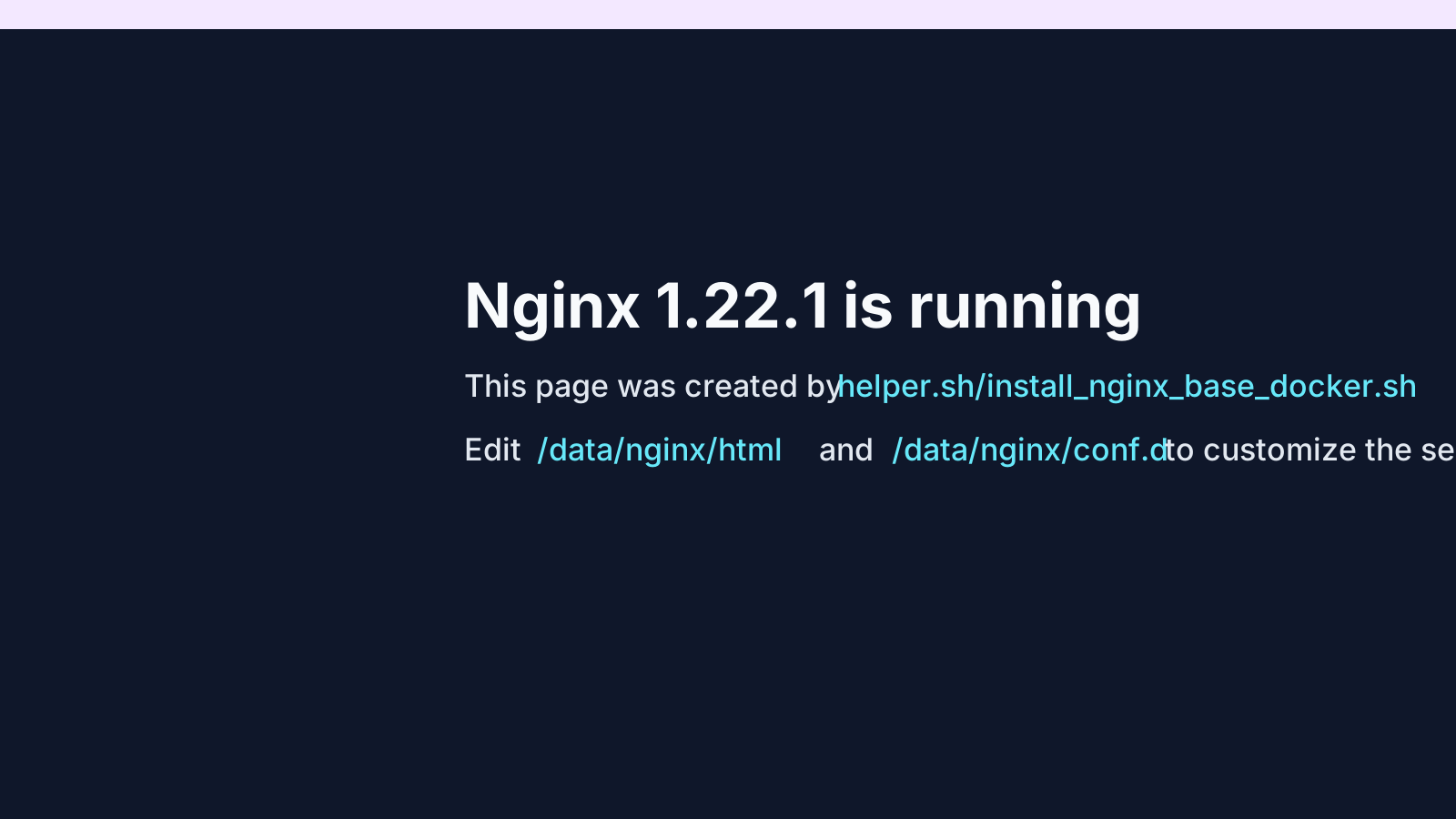
After the script finishes, confirm that the container is running, the host ports are mapped as expected, and the placeholder page or /healthz endpoint is reachable from the server itself.
- docker ps
- docker logs -f nginx-1221
- curl http://127.0.0.1/healthz
- docker exec -it nginx-1221 nginx -t