
When this script is the right first move
This script is meant for hosts where SSH itself works, but the login path is slow before the password prompt or before the shell becomes interactive.
That pattern usually points to daemon-side waits such as reverse DNS lookup, GSSAPI negotiation, or an IPv6 path that exists just enough to delay but not enough to work well.
What the script changes and why it works
The script writes three common first-pass settings into sshd_config: UseDNS no, GSSAPIAuthentication no, and AddressFamily inet.
The first removes reverse lookup waits, the second avoids unused Kerberos-style negotiation on hosts that do not use it, and the third stops legacy CentOS 7 hosts from wasting time on bad IPv6 paths.
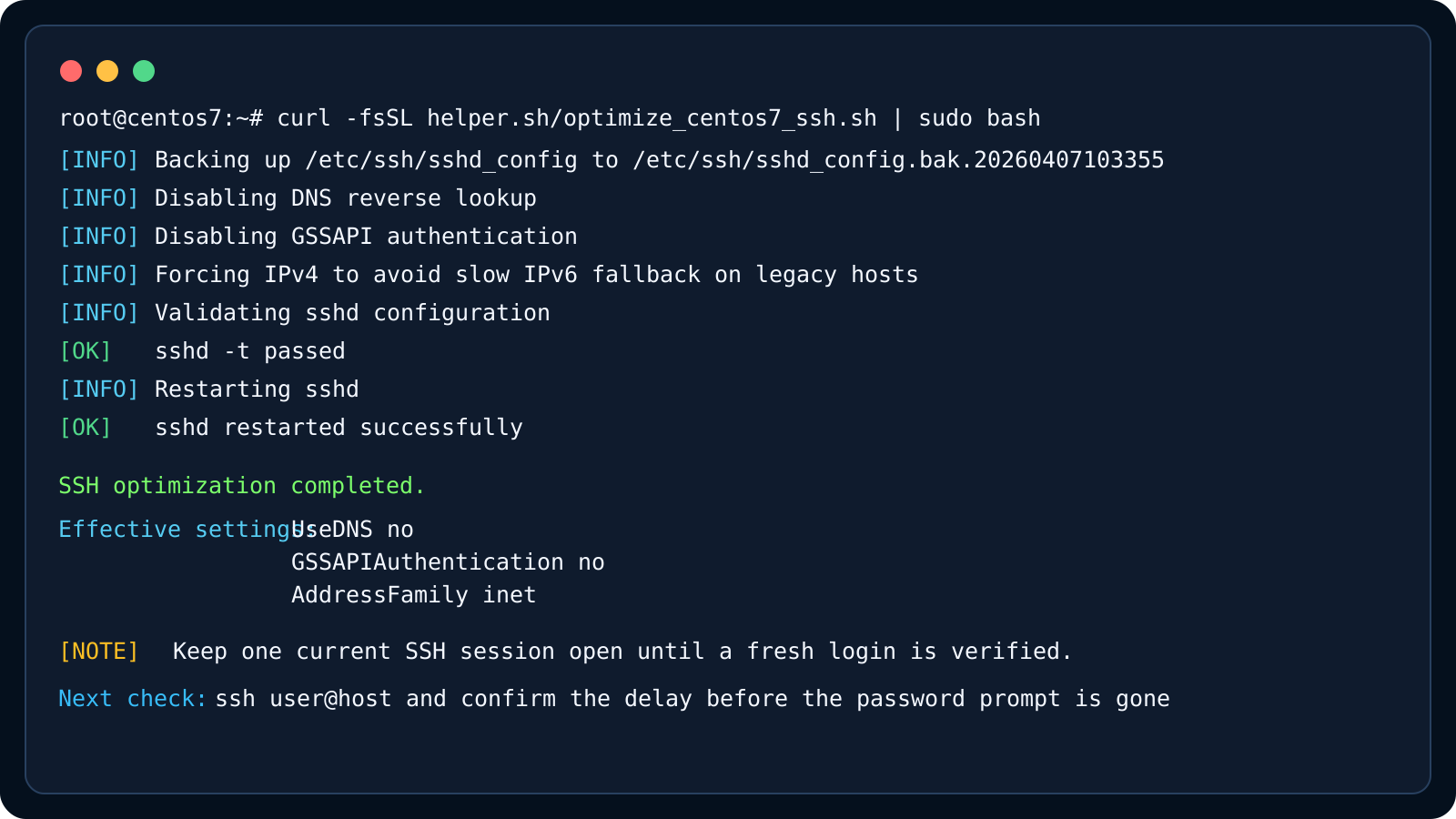
- Back up /etc/ssh/sshd_config first
- Write the settings idempotently instead of appending duplicates
- Run sshd -t before restart
- Restart sshd only after validation passes
Recommended operating pattern on production-like hosts
Keep one SSH session open, run the helper script from a second session, and only close the original connection after you verify that a fresh login is fast and stable.
If the host depends on Kerberos or real IPv6-only reachability, do not apply these defaults blindly. This script is meant to remove common stalls, not to replace a real SSH policy review.