
Use this only after key-based login already works
This script is not the step that creates SSH key access. It is the step that removes password-based access after key-based access is already in place and verified.
That distinction matters, because the most common failure pattern is disabling PasswordAuthentication first and only then realizing the target account does not actually have a usable authorized_keys file.
What the script changes in sshd_config
The script enforces PubkeyAuthentication yes, AuthorizedKeysFile .ssh/authorized_keys, PasswordAuthentication no, KbdInteractiveAuthentication no, and ChallengeResponseAuthentication no.
It deliberately keeps UsePAM enabled. On older CentOS hosts, turning PAM off is often unnecessary and can introduce avoidable session-handling regressions that do not help the key-only objective.
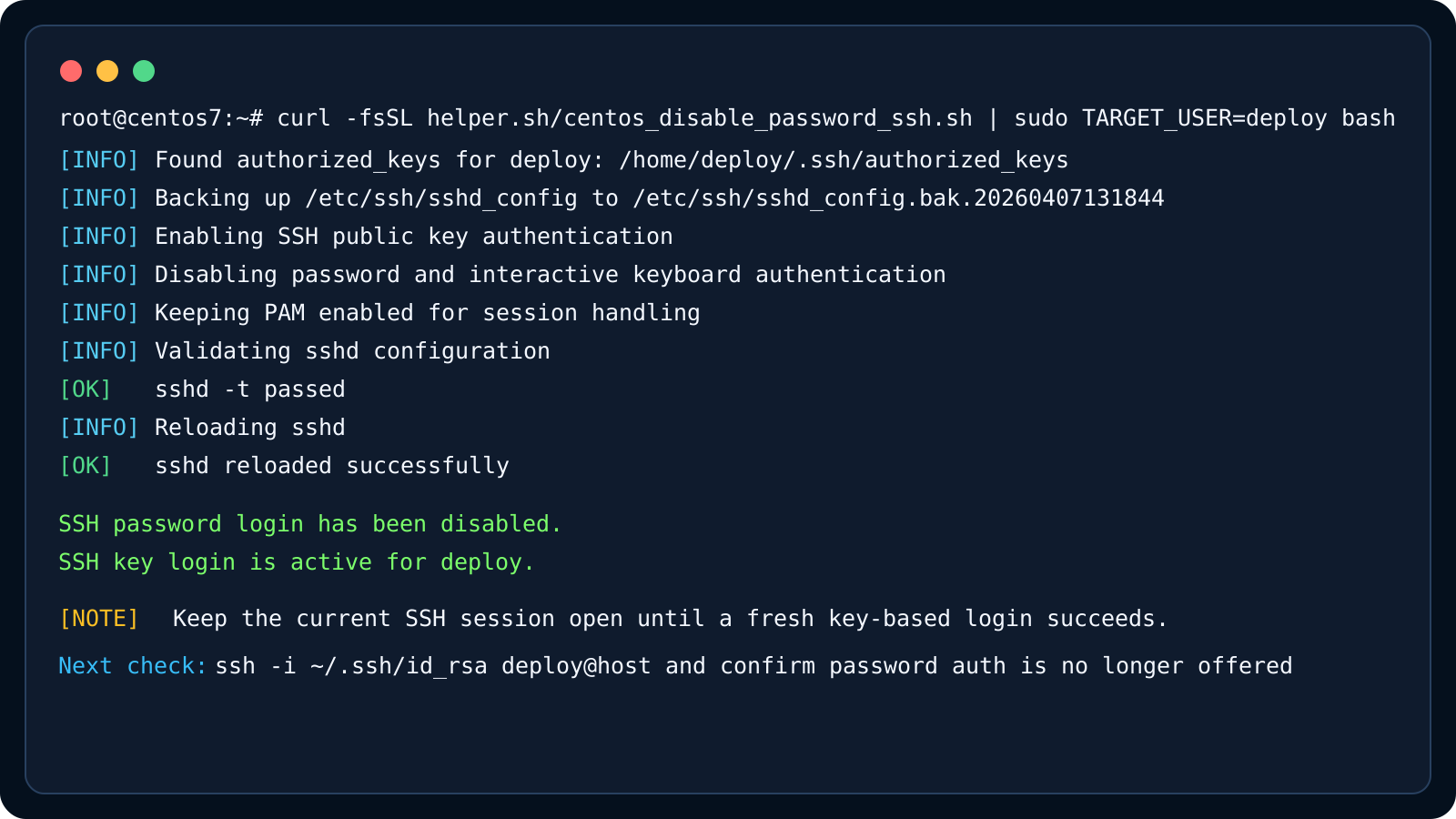
- Checks authorized_keys before making the change
- Backs up sshd_config with a timestamp
- Runs sshd -t before reload
- Restores the backup automatically if validation fails
The safe operating pattern on a real server
Keep the current SSH session open. Open a second session, run the script there, and then start a third fresh login test before closing anything.
If the key belongs to a non-root account, pass TARGET_USER=<name> so the script validates the correct authorized_keys file. This is the main detail people miss on inherited servers.